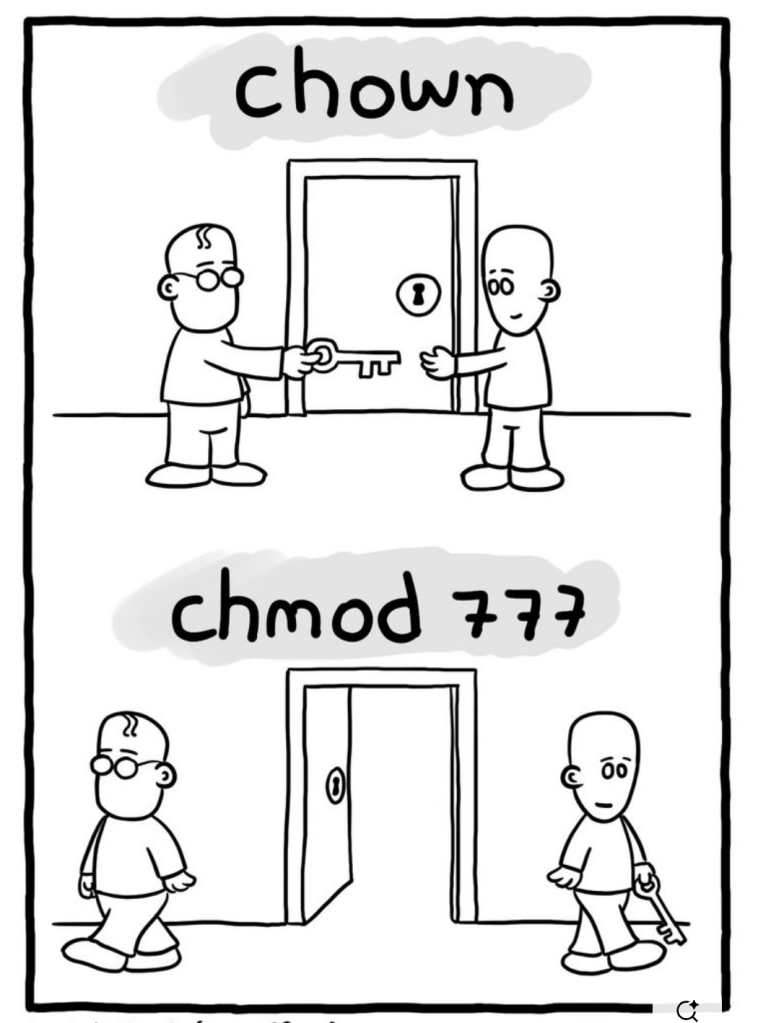
To change directory permissions in Linux, use the following:
chmod +rwx filename to add permissions
chmod -rwx directoryname to remove permissions.
chmod +x filename to allow executable permissions.
chmod -wx filename to take out write and executable permissions.
Note that “r” is for read, “w” is for write, and “x” is for execute.
Permission numbers are:
0 = —
1 = –x
2 = -w-
3 = -wx
4 = r-
5 = r-x
6 = rw-
7 = rwx
For example:
chmod 777 foldername will give read, write, and execute permissions for everyone.
chmod 700 foldername will give read, write, and execute permissions for the user only.
Another helpful command is changing ownerships of files and directories in Linux:
chown name filename
chown name foldername
These commands will give ownership to someone, but all sub files and directories still belong to the original owner.


 DEVOPS DOSE
Leave a comment